10 Resource Packs for Builders — From Vanilla Feel to Connected Textures and Realism
This story was machine-translated from Korean.
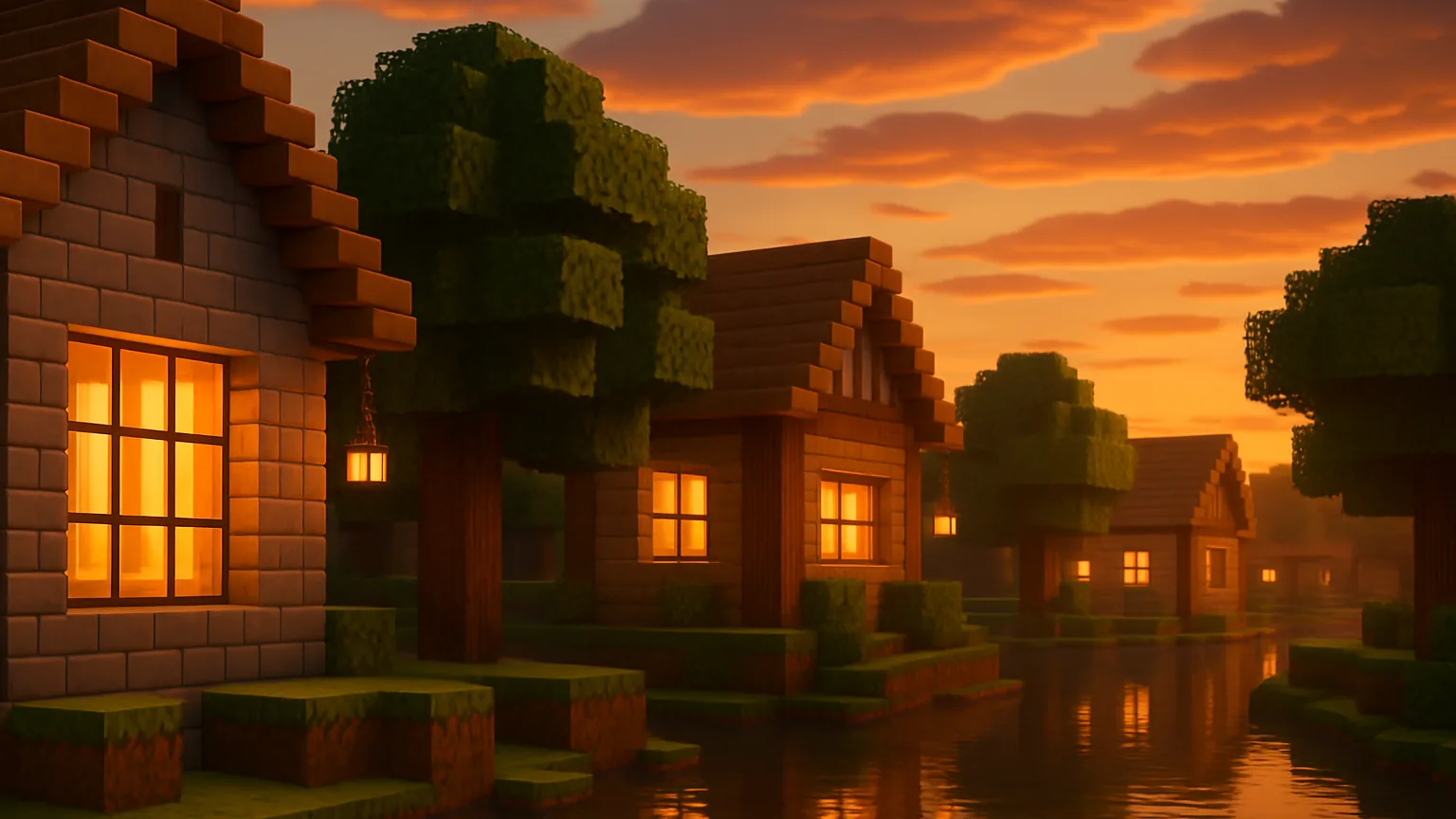
The longer you've been building, the more you tend to talk about resource packs. You start to notice the repetitive patterns in stone walls, the border lines in glass panes become bothersome, and you might even want to change the sky just for one screenshot. Resource packs are the cheapest tool for builders to completely change the impression of a building without altering a single block.
MCNOW PICKS Episode 2 is, as teased at the end of Episode 1, 10 Resource Packs for Builders. I've divided them into three categories: 'Vanilla Feel Preserving' for packs that don't make existing buildings feel out of place, 'Building Assist' for packs that add detail on top of others, and 'High-Resolution/Realistic' for specific scenes. I've only included the supported versions and required mods as listed on the distribution pages.
Before you start — folders, order, and 'required mods'
Put the resource packs in the compressed file (zip) directly into .minecraft/resourcepacks the folder. In-game, press Settings → Resource Packs → Open Pack Folder to open that folder directly. Move the packs you added to the right 'Selected' list to apply them.
- The pack on top wins. When multiple packs are enabled, the textures from the pack at the top of the list will cover those below it. So, it's standard to place large packs that change everything at the bottom and smaller packs that only change parts, like glass or leaves, at the top.
- You can often ignore version warnings. If the version the pack was made for differs from your game version, you'll get a 'not compatible' warning. Most of the time, you can still use it, but it's best to get a file for your version if possible.
- 'Connected Textures' require a mod to be visible. Connected Textures (CTM), which make glass or stone walls appear as one seamless piece, are not supported in vanilla. You need OptiFine (OptiFine) or, if you're using Fabric, the Continuity mod. Continuity is a client-side mod that allows connected textures in the style of OptiFine without needing OptiFine, and it also includes basic connected texture packs for glass, sandstone, and bookshelves.
10 Picks at a Glance
| Pack | Type | Resolution | Required Mods | Distribution |
|---|---|---|---|---|
| Faithful 32x | Vanilla Feel | 32x | None | Other than Modrinth |
| Stay True | Vanilla Feel | 16x | Some features require OptiFine | CurseForge |
| Vanilla Tweaks | Vanilla Combination | - | Check each piece | vanillatweaks.net |
| Bare Bones | Simplified | 16x | None | Modrinth |
| CTM Overhaul | Building Assist | 16x | Continuity or OptiFine | Modrinth |
| Clean Connected Glass | Building aids | 16x | Continuity or OptiFine | Modrinth |
| Better Leaves | Building aids | - | None (performance mode recommended) | Modrinth |
| Better Lanterns | Building aids | 16x | No description provided | Modrinth |
| Patrix 32x | Realistic | 32x (higher resolutions available for supporters) | Continuity, ETF, EMF, etc. | Modrinth |
| Dramatic Skys | Sky exclusive | Various resolutions | Skybox mod | Modrinth |
A pack that maintains vanilla vibes
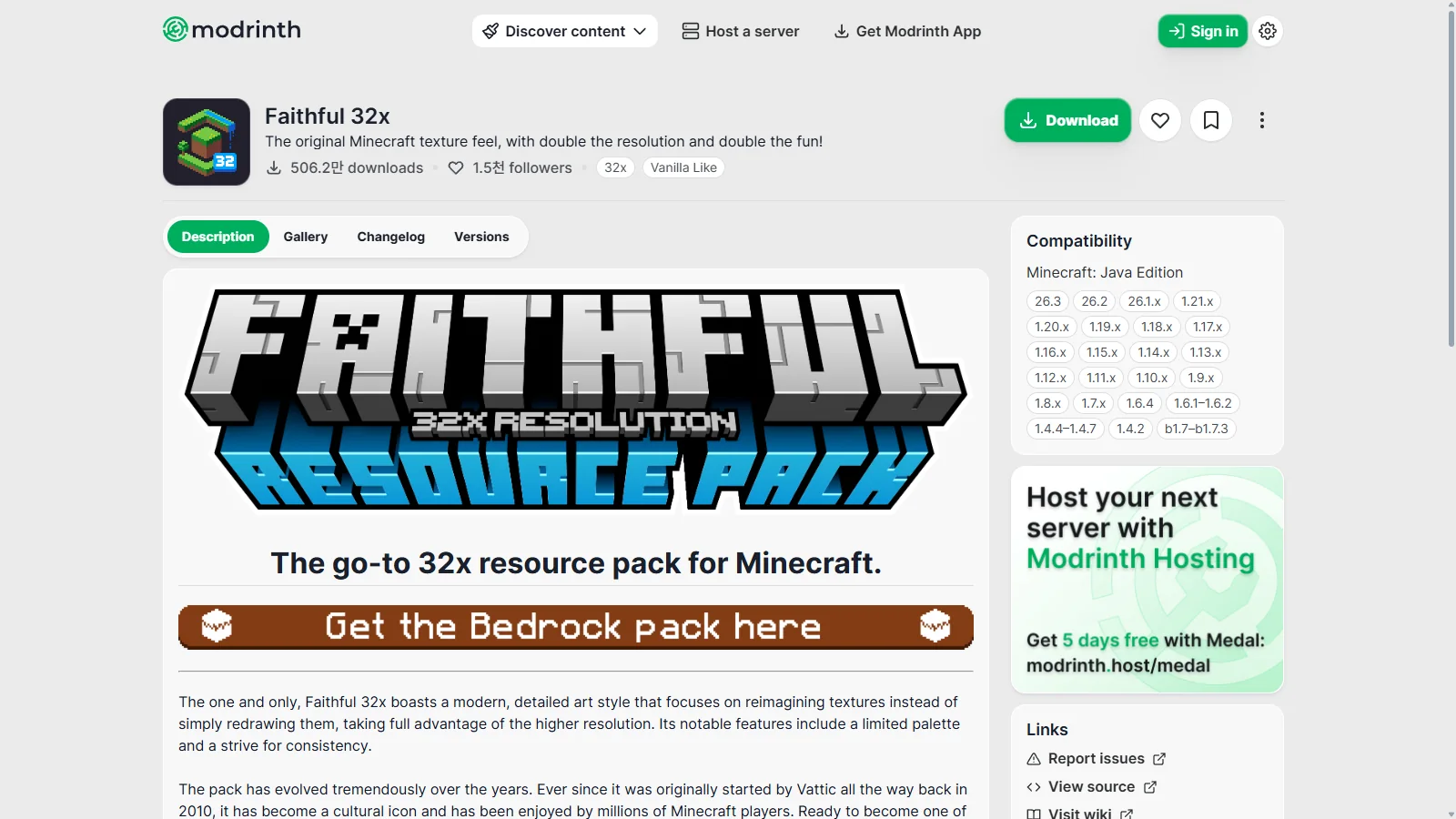
1. Faithful 32x — doubles the resolution of the default textures
Started by Vattic in 2010 and now continued by the Faithful team, this pack is like a standard for resource packs. It redraws the default textures to 32x while keeping the colors and atmosphere true to the original. With a limited palette and consistency as principles, it fits well over existing builds. Files from very old versions up to 26.3 are available on Modrinth, and no additional mods are required. The team states that any redistribution sites outside of the official site, CurseForge, Planet Minecraft, and Modrinth are unofficial.
2. Stay True — 16x with repetitive patterns removed
Creator haimcyfly describes this pack as a 'visual remaster of the current default textures.' The resolution remains 16x, and the color composition stays the same, focusing on reducing noticeable repetition in wide areas. This makes a big difference for builders who use large grass fields or stone walls. However, it notes that features like connected textures, overlays, and pink birch leaves require OptiFine. The latest file on CurseForge is for 1.21.5.
3. Vanilla Tweaks — pick and choose the pieces you need
This isn't just one pack, but a site where you can download a bundle of small packs. You can select the pieces you want from the resource pack selector and download them in order. There are useful pieces for building, like packs that make leaves fuller or connect bookshelf patterns. You can choose versions from 1.11 to 26.3 in the selector. It's great for layering over larger packs.
4. Bare Bones — simplicity like a trailer
A 16x pack created by RobotPants, it strips away texture noise and produces simple and clear colors like in the official Minecraft trailer. This style works well for builds that focus on shape and color placement rather than detail, especially for landscape builds viewed from a distance. Files are available on Modrinth up to 1.21.11.
Building detail enhancers
The following four are auxiliary packs that can be layered over other packs. Let's put them at the top of the list.
5. Connected Textures (CTM) Overhaul — the basics of connected textures
Created by xokz, this pack makes commonly used blocks in building, like stone bricks, smooth stone, quartz, copper, mineral blocks, and sea lanterns, appear as if they are connected on one face when placed together. This effect is noticeable when building large walls, as the block boundaries disappear. Continuity or OptiFine is required, and it supports versions from 1.19 to 1.21.11 on Modrinth.
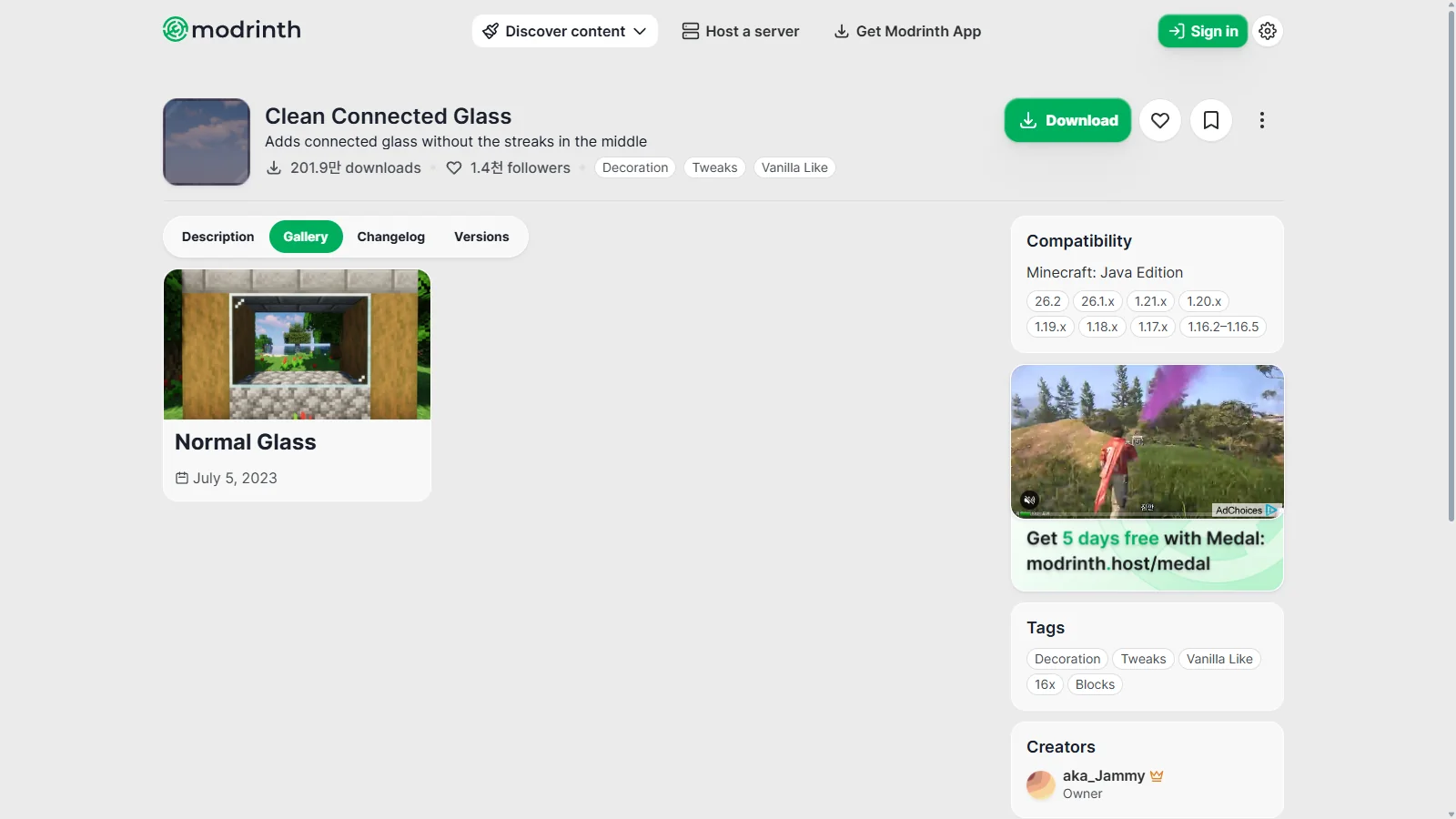
6. Clean Connected Glass — stripe-free glass panes
A glass-specific pack created by aka_Jammy. It changes all glass blocks and panes, including stained glass, to connected textures, removing the middle stripes so that large windows look like one piece of glass. OptiFine or Continuity is needed. If using Continuity, the creator advises enabling the included 'Glass Pane Culling Fix' pack, which removes seams between vertically stacked panes. Files are available on Modrinth from 1.16.2 to 26.2.
7. Motschen's Better Leaves — lush leaves.
Adding layers to leaf blocks makes trees look dense and natural like bushes. This is great for builders decorating gardens and forests, and it supports trees from various biome mods. Starting from 9.0, the method has changed to pre-made leaf textures focused on performance. The creator recommends adding the 'Cull Leaves' mod when using it with Sodium (Sodium). It’s compatible from 1.13 to 26.2.
8. Better Lanterns — 3D lanterns and chains
This pack by Nico4play gives lanterns and chains a 3D model, making the way you hold lanterns in third-person view look more natural. If you’re a builder who hangs a lot of lanterns under eaves and in alleys, this makes a small but noticeable difference. It also supports copper lanterns and chains, and is compatible from 1.19 to 26.3.
Two for one scene — high resolution and realism
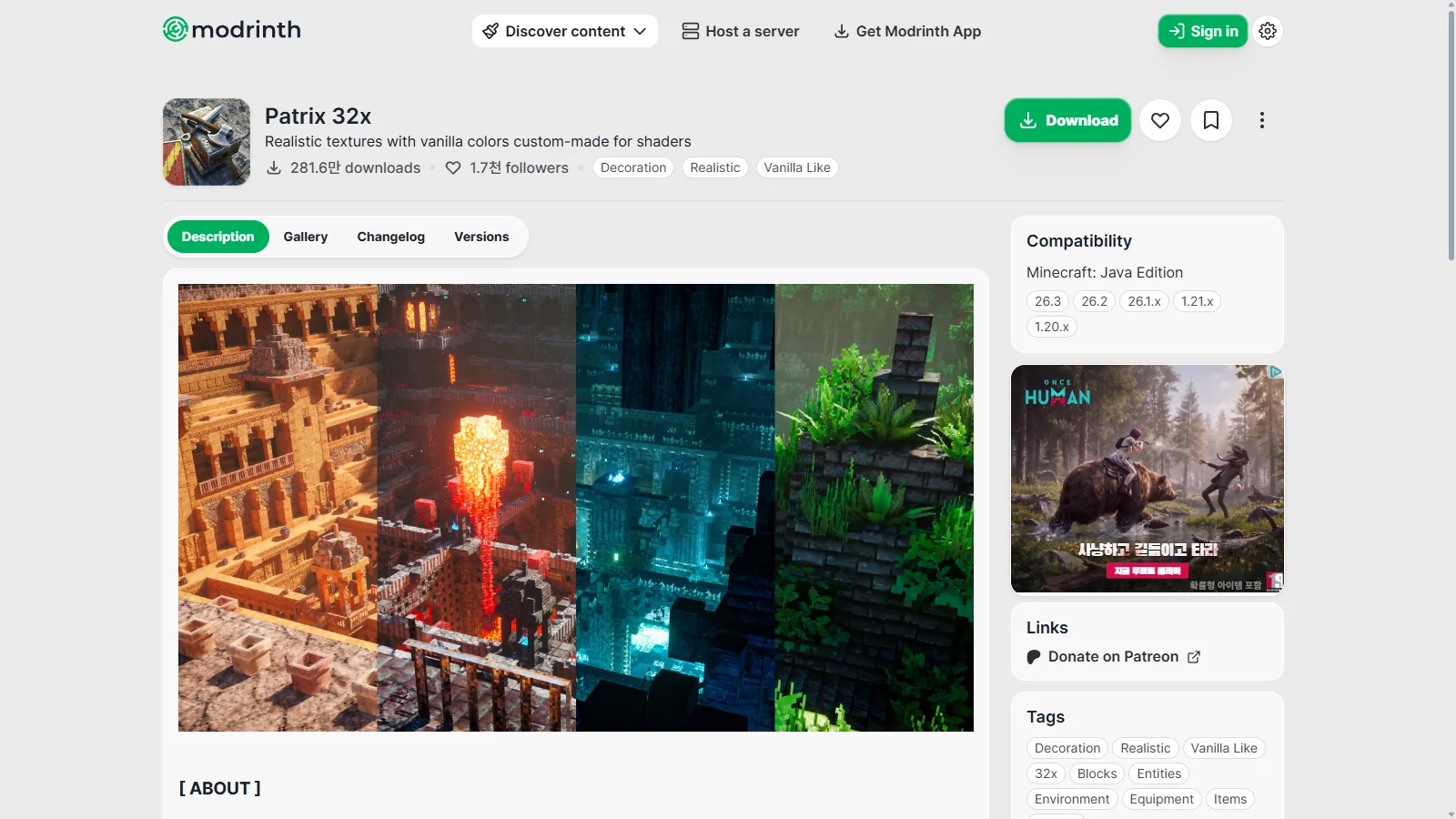
9. Patrix 32x — realistic paired with shaders
This pack from patrixcraft is described by the creator as a 'pack made to be used with shaders'. It achieves realism through wide random placement and tiling rather than just high resolution, and the colors are adjusted to match the base textures so existing builds don’t look too different. The mob animations are handled by Fresh Animations' creator FreshLX. However, it’s noted to be much heavier than other packs of the same resolution.
Fabric and Iris users need to install Continuity, Entity Texture Features, and Entity Model Features. The essential 'Basic' pack is at the bottom of the list, with optional packs above it. In Modrinth, the 32x version is available from 1.20 to 26.3, while versions 64x and above are distributed on the creator’s support page.
10. Dramatic Skys — half of the screenshots are the sky
This sky-only pack by thebaum64 features separate day, sunset, and night skies for each biome, along with effects like auroras, shooting stars, and blood moons. The creator explains that it can be layered over any other pack and is relatively lightweight. However, to display custom skies, you’ll need mods like OptiFine, Nuit (Fabric Skybox), Skyboxify, or Celestial. It supports up to 26.3.
Let’s combine them — If you want to maintain the atmosphere of existing builds, start with Faithful 32x or Stay True as the base, then add Clean Connected Glass and Better Leaves on top (Continuity required). If you plan to use shaders, create a separate set for screenshots by combining Patrix 32x with Dramatic Skys. Add packs one at a time to make it easier to identify any issues.
Summary — choose packs based on your builds
There’s no right answer for resource packs. If you want to keep the vanilla look of your builds, go for packs that maintain the vanilla feel. For modern builds with lots of large windows and smooth walls, connected texture packs work well. If your goal is videos and screenshots, realistic and sky packs are the way to go. Whatever you choose, just make sure to check the supported versions and required mods first to avoid problems.
MINECAP resource pack forum features packs created and tested by users. In the next MCNOW PICKS, we’ll cover shaders mentioned several times in this issue from the perspective of first-time users.
Reference materials
- Faithful 32x — Modrinth
- Stay True — CurseForge
- Vanilla Tweaks resource pack selector
- Bare Bones — Modrinth
- Connected Textures (CTM) Overhaul — Modrinth
- Clean Connected Glass — Modrinth
- Motschen's Better Leaves — Modrinth
- Better Lanterns — Modrinth
- Patrix 32x — Modrinth
- Dramatic Skys — Modrinth
- Continuity — Modrinth
Want to talk about this story?
Share your take with other Minecraft players on MINECAP.