MCNOW PICKS — If You're New to Mods, Start with These 10
This story was machine-translated from Korean.
"I want to try installing a mod, but which one should I start with?" This is a common question on the MINECAP Q&A board. There are thousands of mods on mod sites, and the most popular ones are often bundled in huge modpacks, making it easy to get lost.
The first edition of MCNOW PICKS features ten mods for beginners. The criteria are threefold: they should be well-loved and reliable, provide noticeable differences right away, and work well with other mods.
Before you install — three important things to know
- Match the version. Mods are released for each version of Minecraft separately. If the game version and mod version don't match, the mod won't work. When a new version comes out, it takes time for mods to catch up, so it's common to stick to one or two versions behind.
- Choose a loader. The program that loads mods is called a 'loader'. The main ones are Fabric (Fabric), NeoForge (NeoForge), and the older Forge (Forge), and different mods support different loaders. Most of the mods in this article are available for multiple loaders, but be sure to check before downloading.
- Download from official sources. Mods should be downloaded from places where creators upload them directly, like Modrinth (Modrinth) or CurseForge (CurseForge). There have been actual cases where redistributed files from unclear sources contained malware.
Five 'convenience' mods to install first
1. Sodium (Sodium) — Boost your frames
This performance mod rewrites the game's rendering engine to greatly increase frame rates. The difference is especially noticeable on lower-end laptops. Since it doesn't change any game content, I recommend this as the first mod to install.
2. Iris (Iris) — Use shaders with Sodium
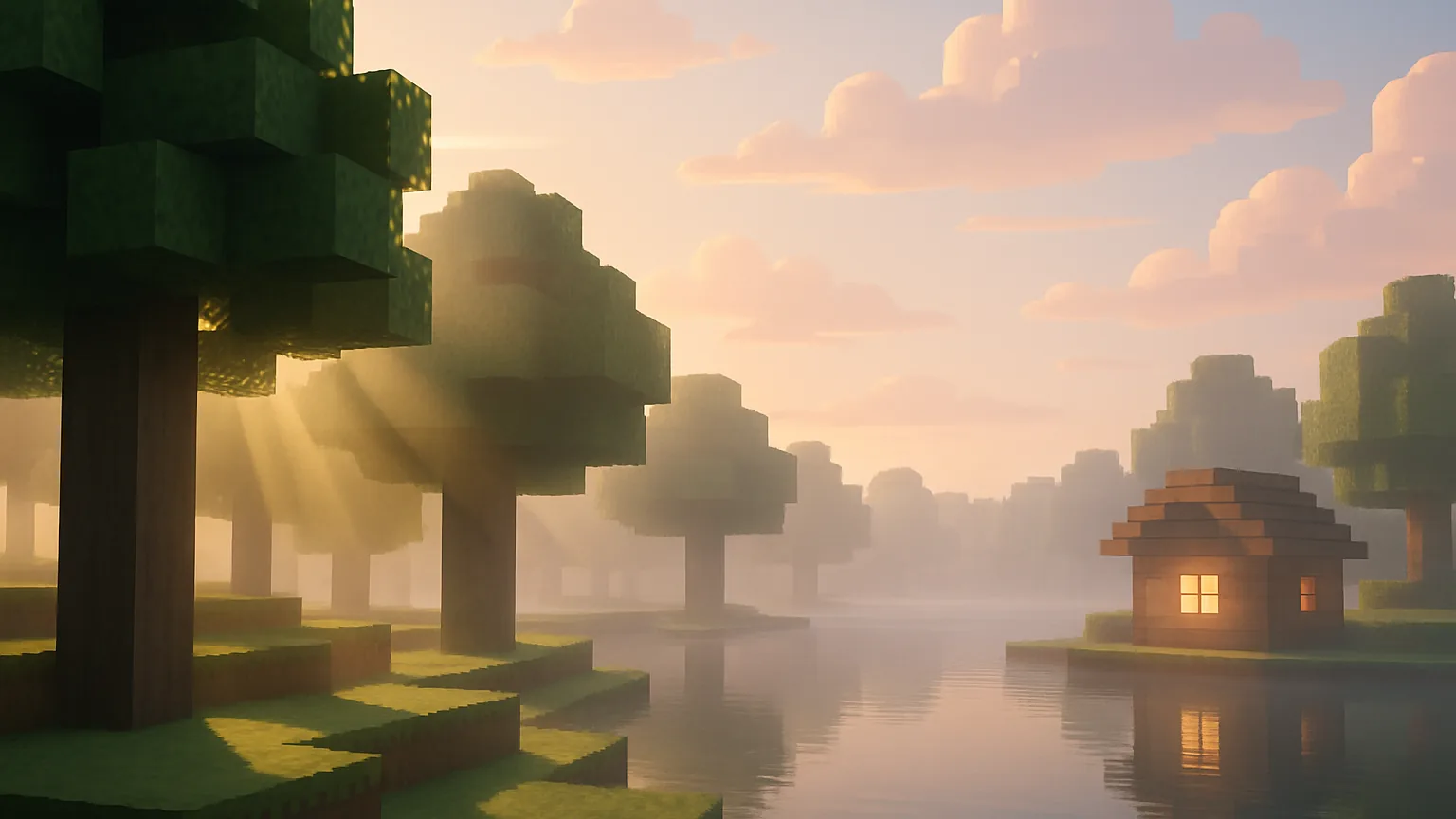
This shader pack realistically changes shadows, water, and the sky. It's designed to work with Sodium, so you can enjoy both performance and graphics. You'll need to download shader packs separately. If your graphics card is weak, start with lighter shaders.
3. JEI(Just Enough Items) — Recipes in-game
This mod displays a list of all items on the side of the screen, showing you how to craft them and where they are used when you click on them. It's practically essential once you start adding other mods. There's a similar mod called REI EMI, so choose the one that fits your loader.
4. Minimap — Don't get lost
This mod displays a map in the corner of the screen and allows you to set waypoints. Xaero's Minimap (the full map is Xaero's World Map) and JourneyMap are popular choices. Some servers may restrict the use of minimaps, so check the server rules first.
5. AppleSkin ([#10]) — Hunger in numbers
This small mod shows how much hunger and 'saturation' you gain from eating food. It's a tiny mod, but it becomes invaluable the longer you play Survival.
Five mods that change the game
6. Create (Create) — Factories with gears
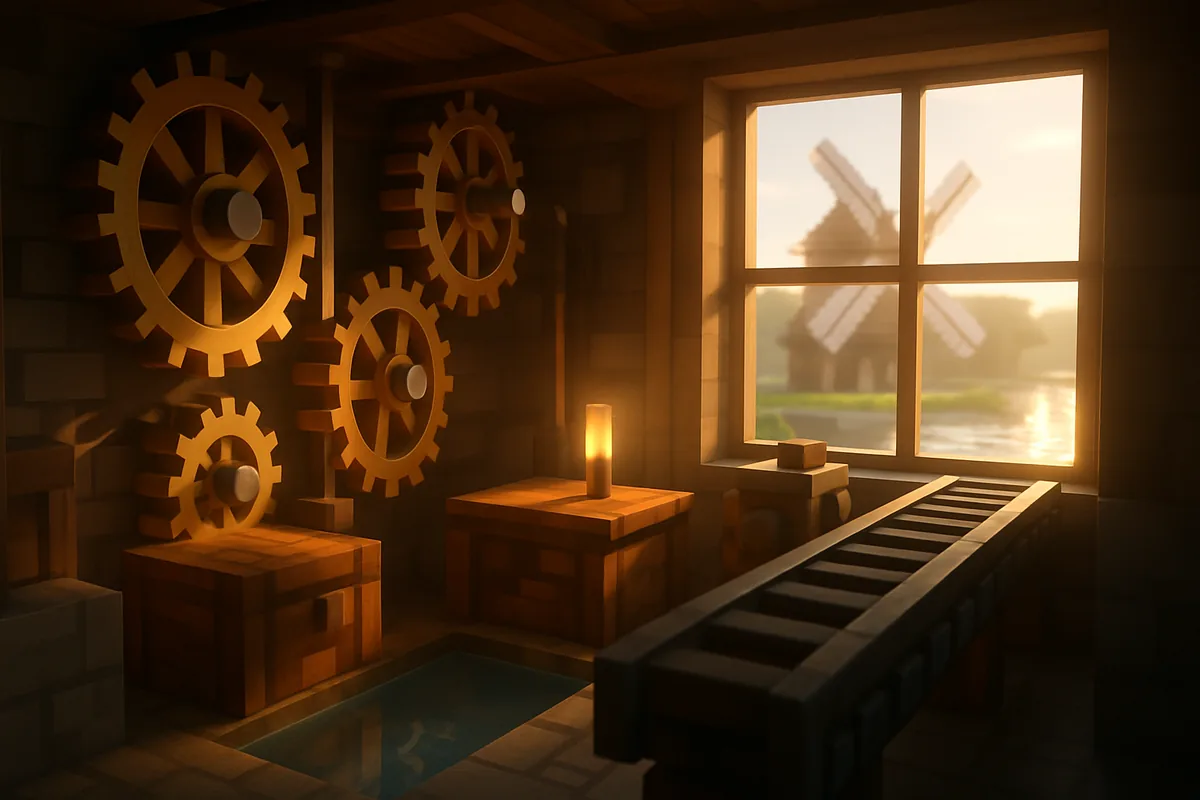
톱니바퀴, 축, 컨베이어 벨트, 풍차와 물레방아로 눈에 보이게 돌아가는 기계를 만든다. 레드스톤과 달리 부품이 실제로 움직이며 동력을 전하는 모습이 장관이다. 자동화를 좋아한다면 한동안 이것만 해도 된다. MCNOW 「처음 만나는 레드스톤」을 읽은 사람에게 특히 권한다.
7. Farmer's Delight — Cooking and farming
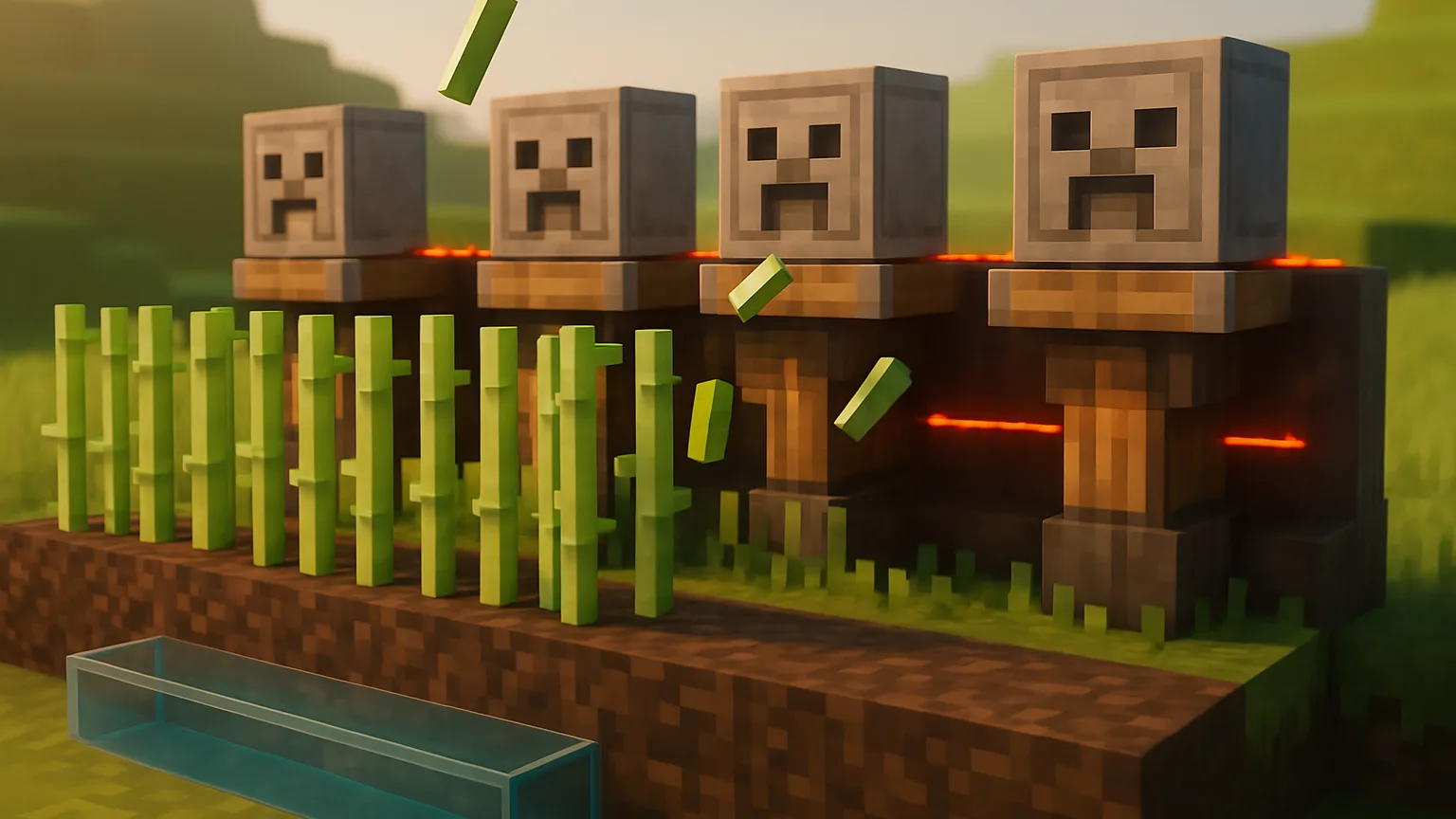
This mod adds cutting boards, pots, new crops, and dozens of recipes. It deepens the farming and cooking experience without ruining the vanilla feel. It's great for servers where you and your friends decorate a village.
8. Biomes O' Plenty — New landscapes
This mod adds dozens of new biomes, trees, and flowers, increasing the fun of exploration. It's an older mod, so it works well with other mods. You'll need to create a new world to fully experience it.
9. Waystones — Teleportation stones
You can place 'Waystones' around the world and teleport between them. This greatly reduces travel time across a large world, making it especially useful when paired with exploration mods.
10. Supplementaries — Building props
This mod adds a ton of vanilla-style decorative blocks like jars, signs, clocks, and birdcages. If you enjoy building, it greatly enhances the fun of filling your home.
If you're a beginner, start like this — begin with Sodium + JEI + Minimap + AppleSkin and play for about a week. Once you get used to it, add one game-changing mod at a time, like Create or Farmer's Delight. Adding too many at once can make it hard to find the cause of any issues.
The option of modpacks
If choosing mods one by one seems tedious, there's always modpacks. These bundle dozens to hundreds of mods with matching versions and settings, allowing you to install them with a single click from a launcher. However, the fun of creating 'your Minecraft' is greater when you choose them yourself.
MINECAP's mod repository features mods created and introduced by users. If you've tried any mods, leave a review. In the next MCNOW PICKS, we'll be selecting resource packs for builders.
Want to talk about this story?
Share your take with other Minecraft players on MINECAP.