First Shader Guide — Iris or OptiFine, Choosing the Right Shader for My Specs 7
This story was machine-translated from Korean.
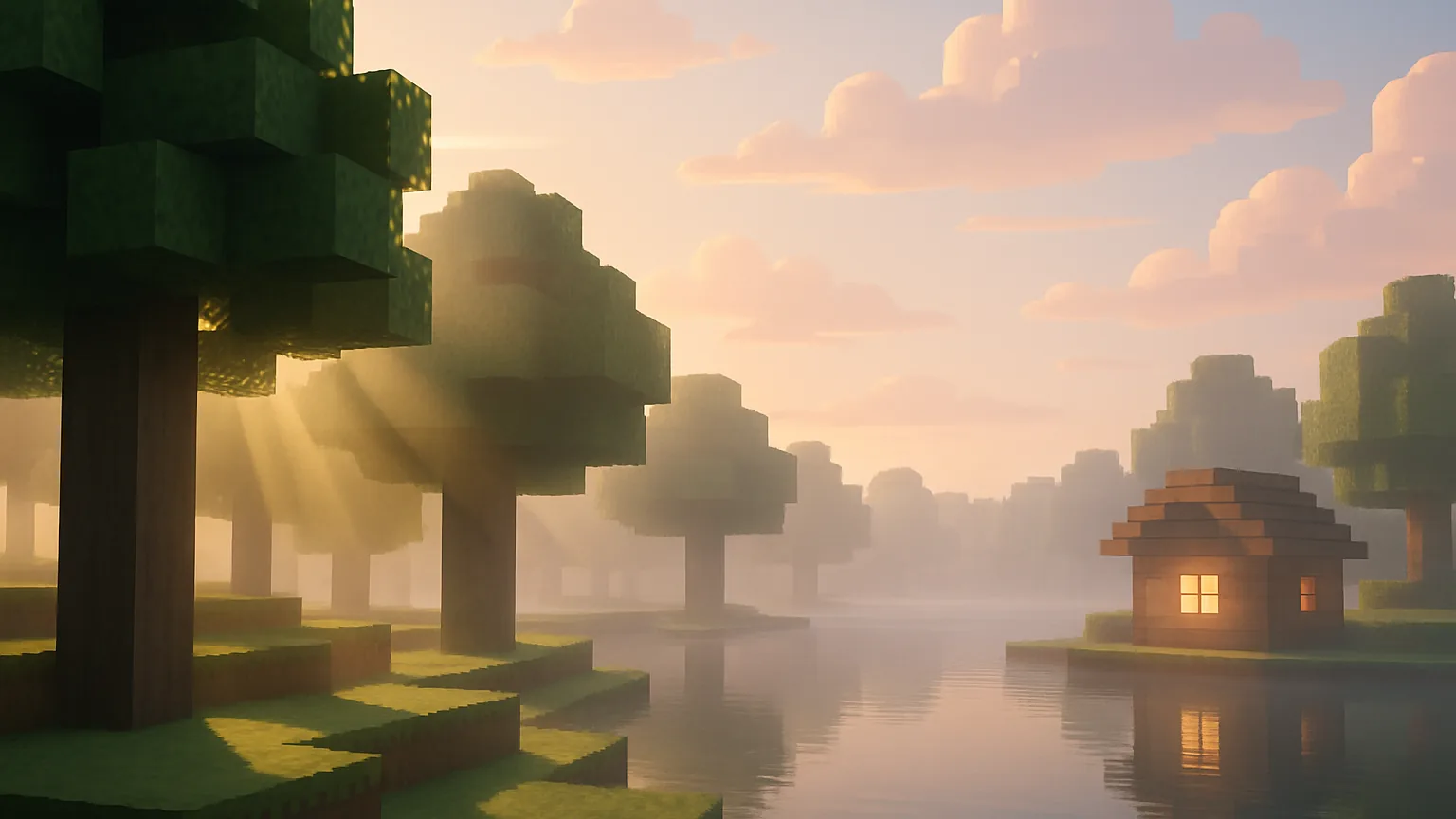
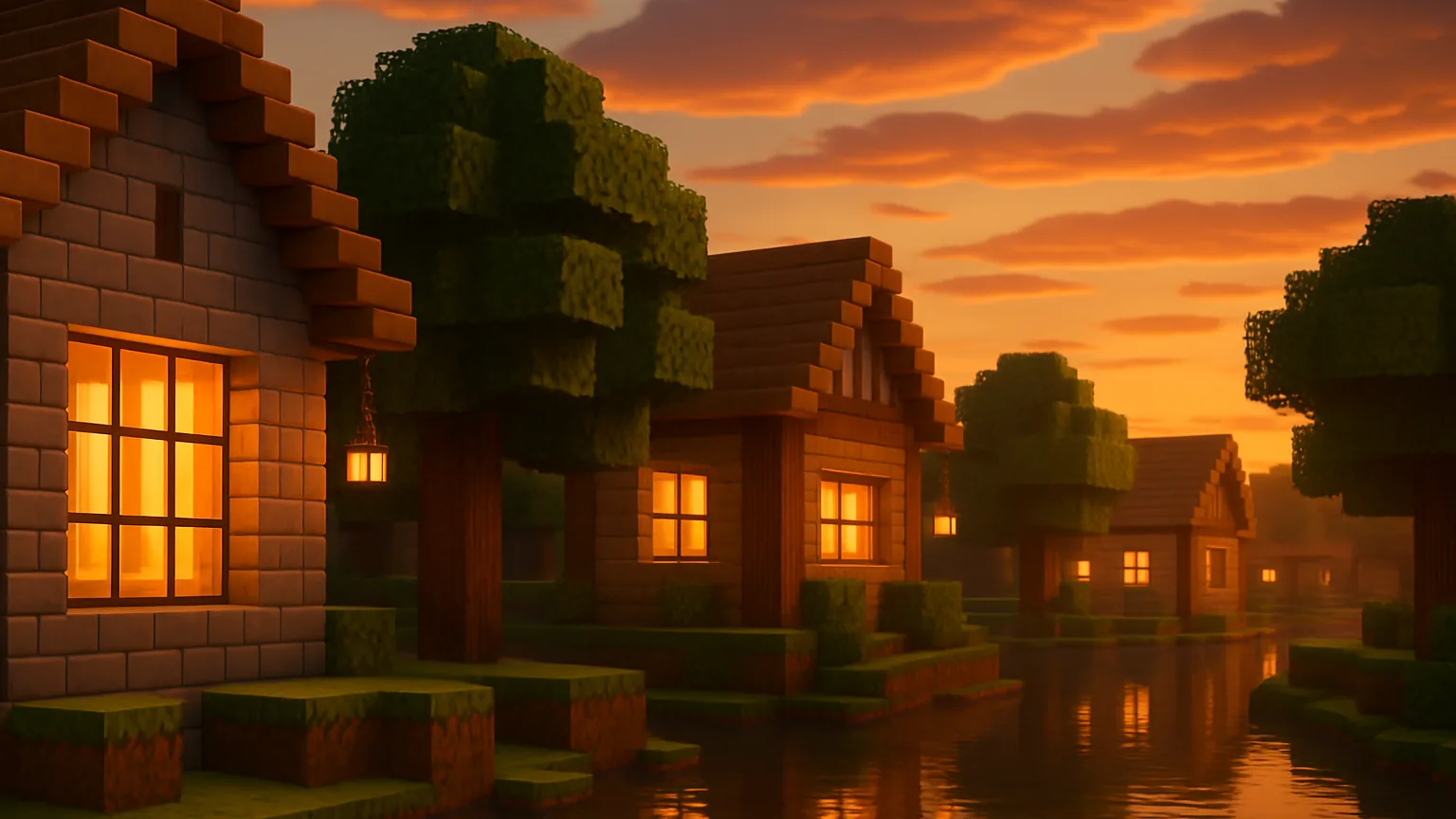
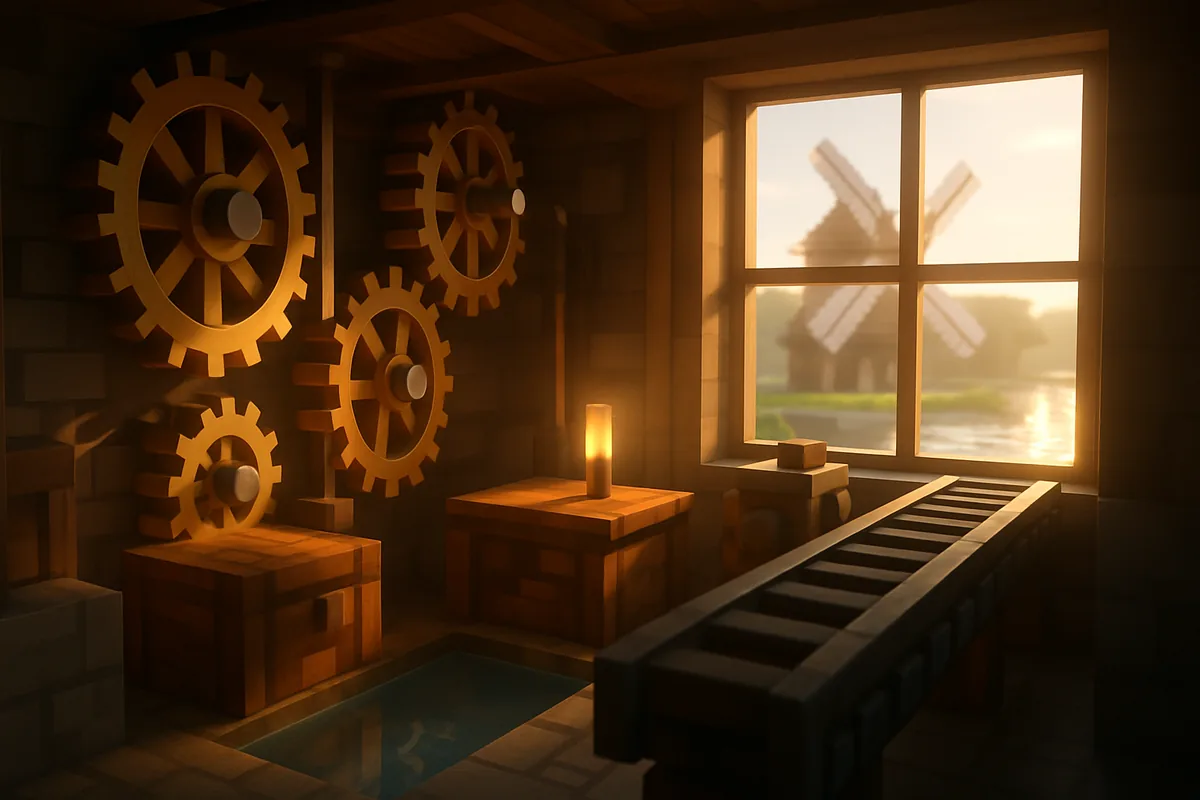
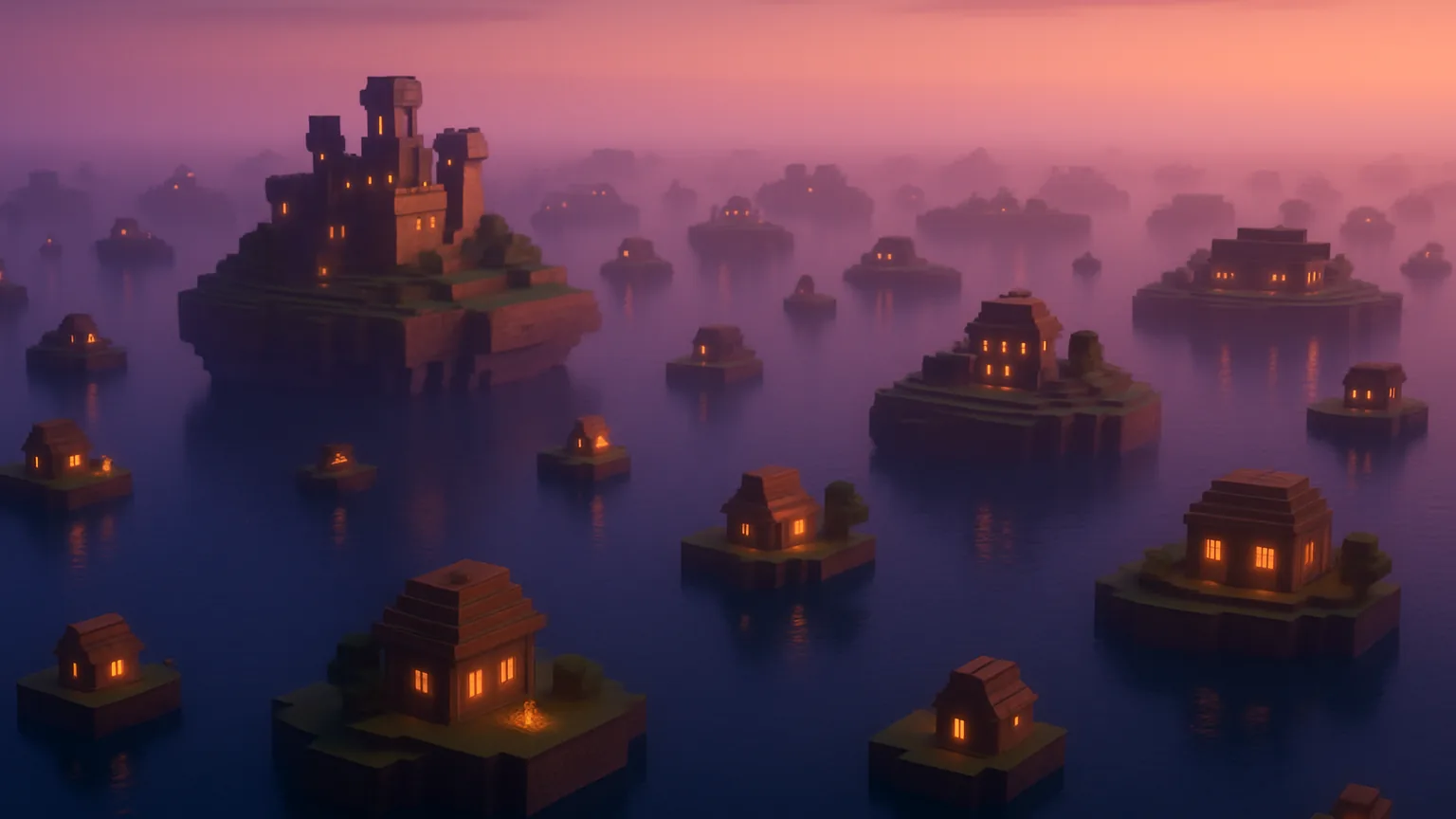
The world in Minecraft video thumbnails, where beams of light pour through leaves and sunsets reflect on lakes, is mostly thanks to shaders. But when you actually try to use them, names like Iris and OptiFine can be confusing, and many give up after turning on a heavy shader that drops their frame rate to single digits.
MCNOW PICKS Episode 3 is a guide for people using shaders for the first time. It explains what shaders are, what loader to install, and which shaders are suitable for your computer, arranged from light to heavy. At the end, it also discusses how the official graphic mode 'Vibrant Visuals' in Bedrock Edition differs from these.
What is a shader — how is it different from a resource pack?
If a resource pack changes the 'image' of blocks, a shader pack changes the calculation of light that illuminates that image. Real-time shadows that move with the sun's position, volumetric light spreading through the air, water reflecting the sky, and 3D clouds are all effects provided by shaders. Since block textures remain unchanged, shaders can be used alongside resource packs. Some resource packs, like Patrix 32x introduced last time, are designed to work with shaders from the start.
Shaders do not change the game content. Instead, they put a lot of work on the graphics card, so even on the same computer, enabling shaders can significantly drop the frame rate. That's why choosing a shader is essentially about matching your specs.
Iris or OptiFine?
Java Edition cannot read shader packs by default. You need a mod that loads shaders, known as a shader loader. There are essentially two options.
| Iris (Iris) | OptiFine (OptiFine) | |
|---|---|---|
| Characteristics | Open-source shader mod. Install with performance mod Sodium (Sodium) | Standalone mod that combines performance and graphics features |
| Loader | Fabric (1.16.5 or higher), Forge (1.21.1 or higher). Forge is not supported. | Standalone or with Forge. |
| Supports the latest version. | Files available up to 26.3 according to Modrinth. | As of October 2026, the stable version is for 1.21.11, while 26.1.2 and 26.2 are in preview. |
| Shader compatibility | Supports most shader packs for OptiFine. | Original standard for shader packs. |
| Using together | If used with OptiFine, there may be conflicts. | An alternative to Iris and Sodium. |
If you're new, I recommend Iris. Download the installer from the official site, select 'Iris and Sodium', and choose your game version to install Sodium all at once. It also quickly supports the latest version and can be used alongside the recommended Sodium and Fabric mods from MCNOW PICKS Episode 1. For resource pack features like OptiFine's connected textures, you can use the Continuity pack introduced last time.
Once installed, go into the game and navigate to Settings → Video Settings → Shader Packs, click 'Open Shader Pack Folder', and place the downloaded zip file directly in there, then select it from the list. According to the Iris FAQ, some resource packs that use 'core shaders' may not work when shaders are enabled.
Recommended shaders by specs 7
Listed from light to heavy. Most shaders allow you to change quality settings, so you can read the order as 'approximate weight at default settings'. All support both Iris and OptiFine.
1. MakeUp - Ultra Fast — The first shader for laptops
KDXavier's shader aims for 'performance relative to quality'. It allows you to toggle effects like shadows, 3D clouds, depth of field, and water reflections, using resources only as needed. The creator recommends turning off shadows and depth of field first if performance is lacking. If you're using an integrated graphics laptop, start here.
2. Sildur's Vibrant Shaders — A classic since 2012
This shader has been developed by Sildur since 2012. It features a complete overhaul of the lighting system while maintaining high performance and compatibility, even working on Macs and Intel graphics. There are quality presets available, and the creator suggests that a GTX 960 should handle Medium or High settings comfortably. There are also separate versions called 'Enhanced Default' and 'Basic'.
3. BSL Shaders — Bright and vivid colors
[[#10]]'s shader introduces itself as a 'bright, colorful, and distinct' shader. It comes with real-time shadows, volumetric light, bloom, and anti-aliasing by default, and you can also choose fun effects like cel shading or world curvature. It doesn't significantly alter the vanilla color palette, making it a popular choice for building screenshots.
4. Complementary Shaders — The most balanced choice for beginners
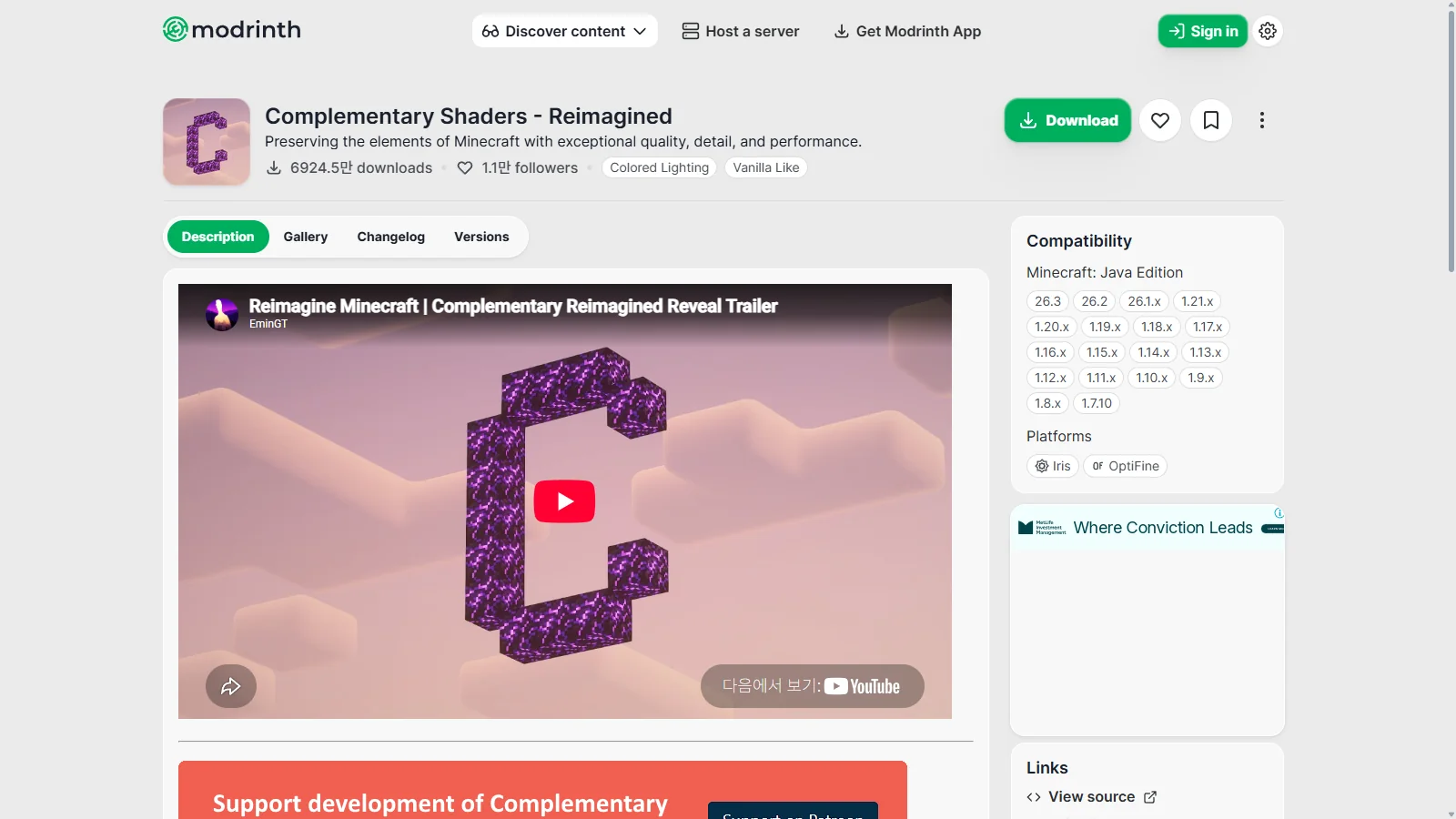
[[#12]]'s shader started as a modified version of BSL in 2018 and has been completely rewritten. You can choose quality profiles from Potato to Ultra, making it suitable for a wide range of specs. There are two basic styles: Reimagined, which retains a Minecraft feel, and the more realistic Unbound. The difference between them is only in the default settings, so you can switch between them in the options. A dedicated installer is also provided.
5. Solas Shader — Fantasy-style skies
Septonious's shader aims for 'amazing visuals at a reasonable performance cost' with a fantasy style. It features colored block lighting, sky effects like auroras and galaxies, and fireflies. It recommends using Iris, stating that custom skies and colored lighting are not supported in OptiFine.
6. Photon Shaders — A Different Sky Every Day
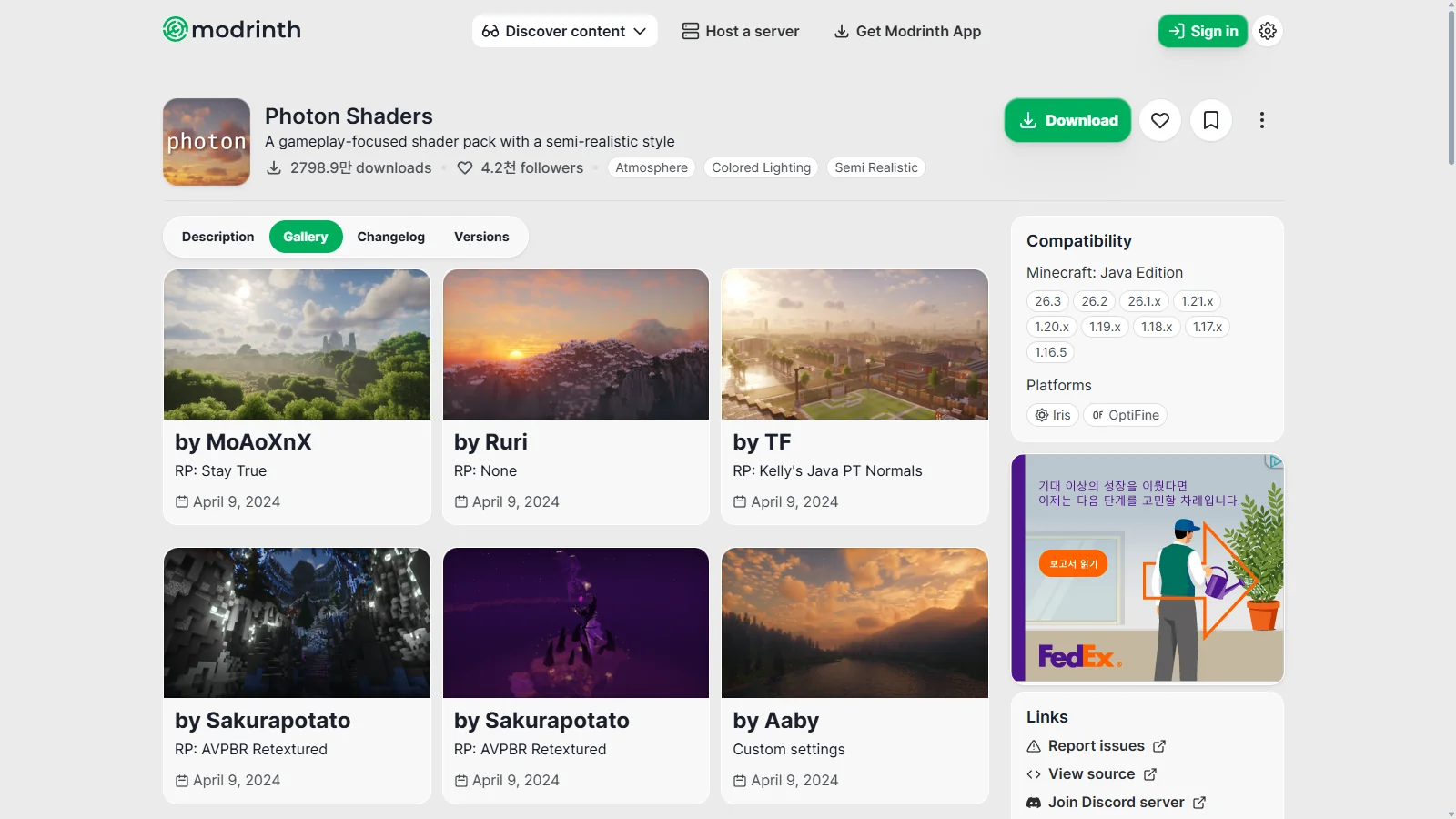
This shader by sixthsurge features a weather system that creates multiple layers of clouds and a different sky every day. The color lighting (Ultra profile) only works with Iris. There's an upscaling feature for low-end devices, but it's off by default. It's noted that it doesn't work with Apple graphics (Metal).
7. Bliss Shaders — A Shot for Screenshots
This shader by Xonk is a heavily modified version of the Chocapic13 shader. It's highly regarded for photography, as indicated by its 'screenshot' classification in Modrinth. Designed for 1.17high-end use, it requires Iris as a base, and OptiFine is noted to 'possibly work.' Support for Apple devices is limited.
| Shader | Weight | Best for |
|---|---|---|
| MakeUp - Ultra Fast | Light | Integrated graphics, laptops |
| Sildur's Vibrant | Light to Medium (preset) | Mac, Intel graphics, older PCs |
| BSL | Medium | Bright colors, building screenshots |
| Complementary | Varies by profile | Most first-time shader users |
| Solas | Medium to Heavy | Fantasy-style skies and lighting |
| Photon | Heavy | Cloud and weather representation, high-end |
| Bliss | Heavy | Video and screenshot shooting |
Settings to save frames
- Lower the shader profile first. The stages provided by shaders like Complementary's Potato and Low have the most significant effect. Change the profile before tweaking individual options.
- Reduce shadows. Shadow resolution and distance are the heaviest items in shaders. MakeUp The creator also lists shadows and depth of field as the first items to turn off for performance.
- Reduce render distance. Shaders recalculate all visible chunks. When using shaders, set the render distance lower than usual.
- Turn off volumetric clouds, motion blur, and depth of field. These effects look nice but aren't essential for gameplay. You can turn them on only when taking screenshots.
- Use performance mode together. Iris is installed with Sodium, so you don't need to worry about that separately. If you want to see distant landscapes with Distant Horizons or Voxy, choose shaders that support them, like Sildur's, Solas, or Photon.
If you're new, do this — Install Iris and Sodium with the Iris installer, and try Complementary Reimagined with a medium profile. If you're short on frames, lower the profile or switch to MakeUp, and if you have extra capacity, you can upgrade to Photon or Bliss.
What's Different from Bedrock's 'Vibrant Visuals'?
The Bedrock Edition includes the graphics mode made directly by Mojang, Vibrant Visuals. First revealed in the March 2025 Minecraft LIVE, it features effects like shadows that follow the sun's movement, volumetric light and fog, water that reflects surroundings, and endless clouds. According to minecraft.net, it becomes the default graphics mode on compatible Bedrock devices and can be changed in video settings. Supported devices include PC (DX12), Xbox Series X|S, Xbox One, PS4, PS5, and Android/iOS devices with certain specifications.
- It's an official feature. You can turn it on and off in the game settings without installing mods. Java shaders are loaded through community-created packs.
- The selection range is different. Vibrant Visuals is a single official art style. Java shaders, as seen above, can be chosen based on preferences and specifications, from lightweight to cinematic.
- The game mechanics remain the same for both. Mojang stated that Vibrant Visuals is purely a visual change and does not affect mechanics like mobs burning, crop growth, daylight sensors, or mob farms.
- Java Edition is still pending. minecraft.net has released Vibrant Visuals for Bedrock first and only mentioned plans to bring it to Java Edition. No release date has been announced.
The Iris FAQ also warns that any app claiming to 'install shaders' on Bedrock mobile is a scam. If you want to change graphics on Bedrock, it's safest to use the official feature, Vibrant Visuals.
Summary
The key is to only enable shaders that your computer can handle. Start with Iris as the loader, and for the first shader, use Complementary or MakeUp. If you have spare frames, increase the settings step by step. Share your screenshots of builds with shaders or reviews of shaders in the MINECAP Shaders forum.
References
- Iris Shaders official site
- Iris Shaders — Modrinth
- OptiFine Downloads
- MakeUp - Ultra Fast — Modrinth
- Sildur's Vibrant Shaders — Modrinth
- BSL Shaders — Modrinth
- Complementary Shaders - Reimagined — Modrinth
- Complementary Shaders - Unbound — Modrinth
- Solas Shader — Modrinth
- Photon Shaders — Modrinth
- Bliss Shaders — Modrinth
- Vibrant Visuals — Minecraft.net
- Minecraft Vibrant Visuals — Minecraft.net
Want to talk about this story?
Share your take with other Minecraft players on MINECAP.