Getting Started with Redstone ③ Moving Blocks with Pistons — Your First Door Controlled by a Lever
This story was machine-translated from Korean.
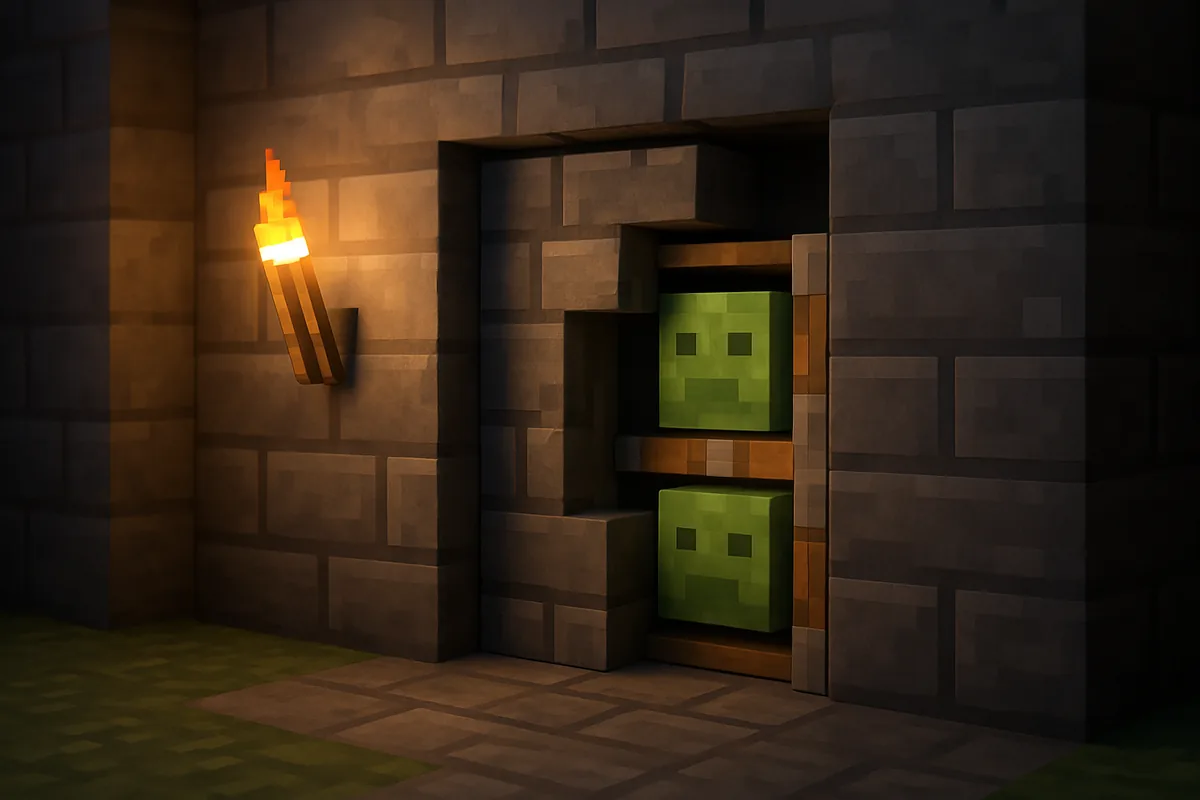
So far, we've turned lights on and off with signals. In this issue, we're moving blocks. From hidden doors to automatic harvesters and flying machines, pistons are almost always involved in moving redstone devices. The goal of the last part of "Getting Started with Redstone" is to learn the rules of pistons and create a piston door that opens and closes with a lever.
Pistons and Sticky Pistons
A piston pushes the block in front of it one space when it receives a signal. When the signal stops, it retracts its head, leaving the pushed block in place.
A sticky piston is made by attaching a slime ball to a piston. It behaves the same when pushing, but when the signal stops, it pulls back the block it was holding. Most doors that open and close are made with sticky pistons.
Four Essential Rules to Know
① Up to 12 at a time
A piston can push a line of blocks in front of it up to 12 at once. If there are more than 13, it won't budge. If you want to push a long wall, you'll need to use multiple pistons.
② Some blocks can't be pushed
흑요석, 기반암처럼 아예 움직이지 않는 블록이 있다. 앞에 이런 블록이 있으면 피스톤은 작동하지 않는다. 자바 에디션에서는 상자, 화로처럼 안에 무언가를 담는 블록도 밀리지 않는다(베드락 에디션에서는 밀린다). 반대로 꽃, 횃불처럼 약한 블록은 밀리는 대신 부서져 아이템이 된다.
③ Slime blocks and honey blocks pull adjacent blocks with them
When a piston pushes a slime block or honey block, any blocks attached to them will move along too. This property is used to create devices that move large masses at once, like so-called 'flying machines'. However, slime blocks and honey blocks do not stick to each other. This can be used to separate moving parts within a device. Shiny terracotta also doesn't stick to slime, making it useful as a 'separation block'.
④ (Java Edition only) Responds to signals from above
Pistons in Java Edition have a unique property. They can operate even if a signal comes into the block directly above the piston. The community refers to this as 'quasi-connectivity'. It started as a bug, but since there are so many circuits that utilize it, it remains a feature now. It's similar to dispensers and droppers. If a piston moves unexpectedly, check above it for signals. This property does not exist in Bedrock Edition.
Practice — A 1-Block Door Controlled by a Lever
Let's gather what we've learned and create the simplest piston door. A sticky piston will push a block into a gap to close it, and then pull it back to open it.
First, let's review the properties of the sticky piston. When retracted, the block it holds is in the block directly in front of the piston, and when extended, its head occupies that block, pushing the block one space forward. Therefore, the piston needs to be placed two blocks away from the gap.
- Leave one block empty in the wall for the gap. Let's call this block 'A'.
- Leave the block right next to A ('B') empty as well. This is where the door block will be hidden.
- Place a sticky piston facing A in the block next to B ('C'). A, B, and C should be in a straight line.
- Put the block you want to use as the door in B. Using the same block as the wall will make it less noticeable when closed. Since A is empty, it is currently open.
- Place any block behind the piston and attach a lever to that block.
- When you pull the lever, the piston extends, pushing the door block into A to close the gap. When you pull the lever down, the sticky piston pulls the block back to B, opening it again.
As learned in part 1, the block with the lever receives a signal and moves the piston it's touching. If you want to place the lever elsewhere, you can lay redstone dust from that spot to the block behind the piston. If the dust is laid towards the block, that block will also receive the signal.
Next steps — In this state, the side of the piston is visible in front of the wall. The true 'hidden door' that conceals the piston will be covered in the next redstone series. To create a door that is two blocks high for a player to pass through, you'll need to stack two pistons vertically and ensure both receive a signal. There are various ways to send a signal to the upper piston, and you can solve it using just the rules of dust, blocks, and repeaters learned in parts 1 and 2. Try to figure it out and share your created door on the MINECAP tutorial board.
Wrapping Up the Series
Here's a summary of what we've covered in three parts.
- Part 1 — Signals come from power sources, flow through dust, and weaken by 1 per block.
- Part 2 — Repeaters amplify and delay signals, while comparators measure the state of signals and blocks.
- Part 3 — Pistons move blocks with signals, and sticky pistons pull them back.
With these three concepts, you can now read complex circuits on YouTube by identifying 'where the power source is and where the device is'. Redstone is about reading, not memorizing. In the next MCNOW redstone series, we'll be taking apart automatic farms one by one.
Want to talk about this story?
Share your take with other Minecraft players on MINECAP.